

TL;DR
Yes, cheap e-readers are worth it in 2026, but only for the right users. If you read occasionally, want a simple device, or are buying your first e-reader, budget models make sense. If you read daily, use PDFs or manga, or plan to keep the device for years, spending more is the smarter choice—especially when compared to the options in our budget-friendly e-readers guide.
What Is Considered a “Cheap” E-Reader in 2026?
A cheap e-reader usually falls between $70 and $120. These devices typically offer:
- Basic E Ink screens (often 6 inches)
- Front lighting (sometimes without warm light)
- Limited storage and features
- Closed ecosystems or restricted app support
Popular examples include entry-level models from Amazon, Kobo, and refurbished or older models from Android-based brands.
The Biggest Advantages of Cheap E-Readers
1. Affordable Entry into E Ink Reading
Cheap e-readers are a low-risk way to experience E Ink. You still get excellent battery life and eye comfort without committing to a high price.
2. Distraction-Free Reading
Budget e-readers focus on reading only. Devices like the Kindle basic model avoid apps and notifications, making them ideal for distraction-free reading.
3. Great for Students and Casual Readers
For students and casual readers, screen comfort and battery life matter more than premium features. If you mainly read novels and occasional PDFs, budget models are often enough—our comparison of the best e-readers for students in 2026 shows which ones make sense.
Where Cheap E-Readers Fall Short
1. Display Quality Still Matters
Many budget e-readers in 2026 still use Carta 1200 panels, while mid-range devices now ship with Carta 1300. The difference?
- Less contrast
- Slightly slower refresh
- More ghosting when reading PDFs or manga
If you read a lot, this becomes noticeable over time, our roundup of budget-friendly e-readers compares which low-cost models offer the best contrast and lighting.
2. Limited Lighting Options
Warm light is no longer a luxury—it’s a comfort feature. Many cheap models either lack it entirely or implement it poorly, making night reading less pleasant.
3. Slow Performance
Budget CPUs and limited RAM mean:
- Slower page turns
- Laggy menus
- Poor performance with large PDFs
Cheap Kindle vs Cheap Kobo: Which Is Better?
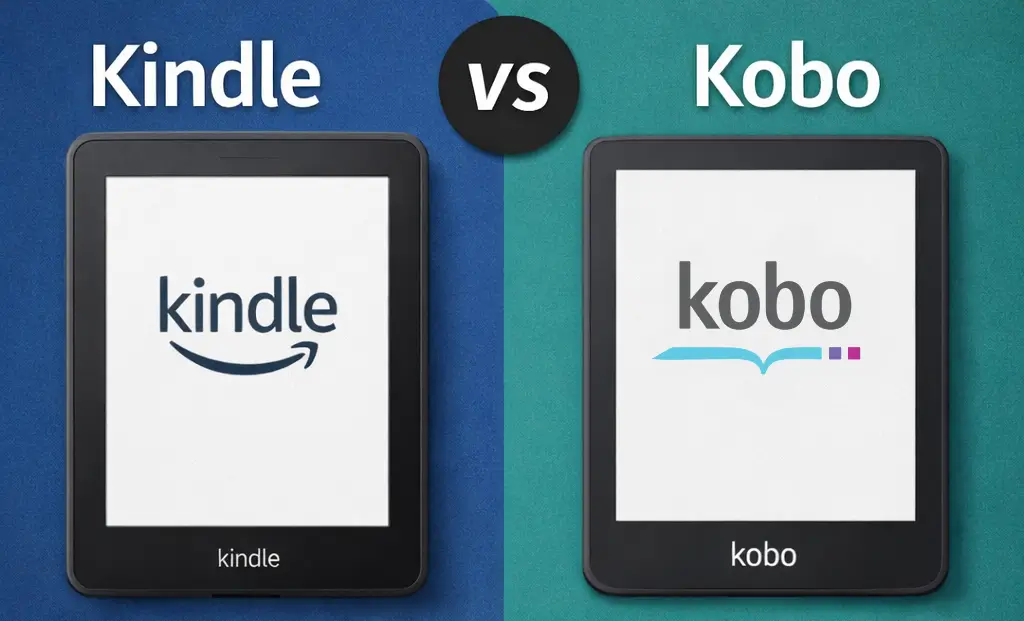
| Feature | Kindle (Budget) | Kobo (Budget) |
|---|---|---|
| Ecosystem | Amazon-only | Open (EPUB support) |
| Library Support | Limited | Strong (OverDrive) |
| Customization | Low | Higher |
| Ads | Often included | No ads |
Subscription costs also matter over time. If you’re comparing ecosystems, it’s worth looking at current ebook and audiobook offers like the Kindle Unlimited deal or the Audible Premium Plus deal to see where long-term value really lies.
For readers outside the Amazon ecosystem—or those who use libraries—Kobo budget models often age better.
Are Cheap Android E-Readers Worth It?
Cheap Android e-readers look flexible on paper, but most suffer from poor optimization, outdated Android versions, and weaker battery life.
- Laggy performance
- Shorter battery life
- Apps not optimized for E Ink
Unless you specifically need Android apps, cheap Android e-readers are usually not worth it. Spending more delivers a noticeably better experience.
Who Should Buy a Cheap E-Reader in 2026?
- Are a first-time e-reader user
- Read novels only (no PDFs or manga)
- Want a backup or travel device
- Are on a strict budget
- Read PDFs, textbooks, or manga regularly
- Read daily for long sessions
- Want note-taking or stylus support
- Plan to keep the device for 4–5 years
Short Answer
Cheap e-readers are worth it in 2026 for light and casual readers who mainly read novels and want a simple, affordable device. They are not ideal for heavy readers, PDF or manga users, or anyone planning long-term daily use.