

We independently review all recommendations. Purchases made through our links may earn us an affiliate commission. Here’s how it works.
Best e-readers for students need to handle textbooks, PDFs, and long study sessions—not just novels. After testing these devices with actual textbooks, research papers, and daily campus use, here’s what works for students in 2026.
Quick Comparison
| Device | Screen | Price | Battery | Best Use |
|---|---|---|---|---|
| Kindle Scribe 2 | 10.2″ | $399.99 | 12 weeks | Reading + basic notes |
| Kobo Elipsa 2E | 10.3″ | $399.99 | 6 weeks | PDFs + library books |
| Kobo Sage | 8.0″ | Price not available | 6-8 weeks | Mid-range notes + library integration |
| Kindle Paperwhite | 6.8″ | $159.99 | 10 weeks | Budget reading |
Kindle Scribe 2
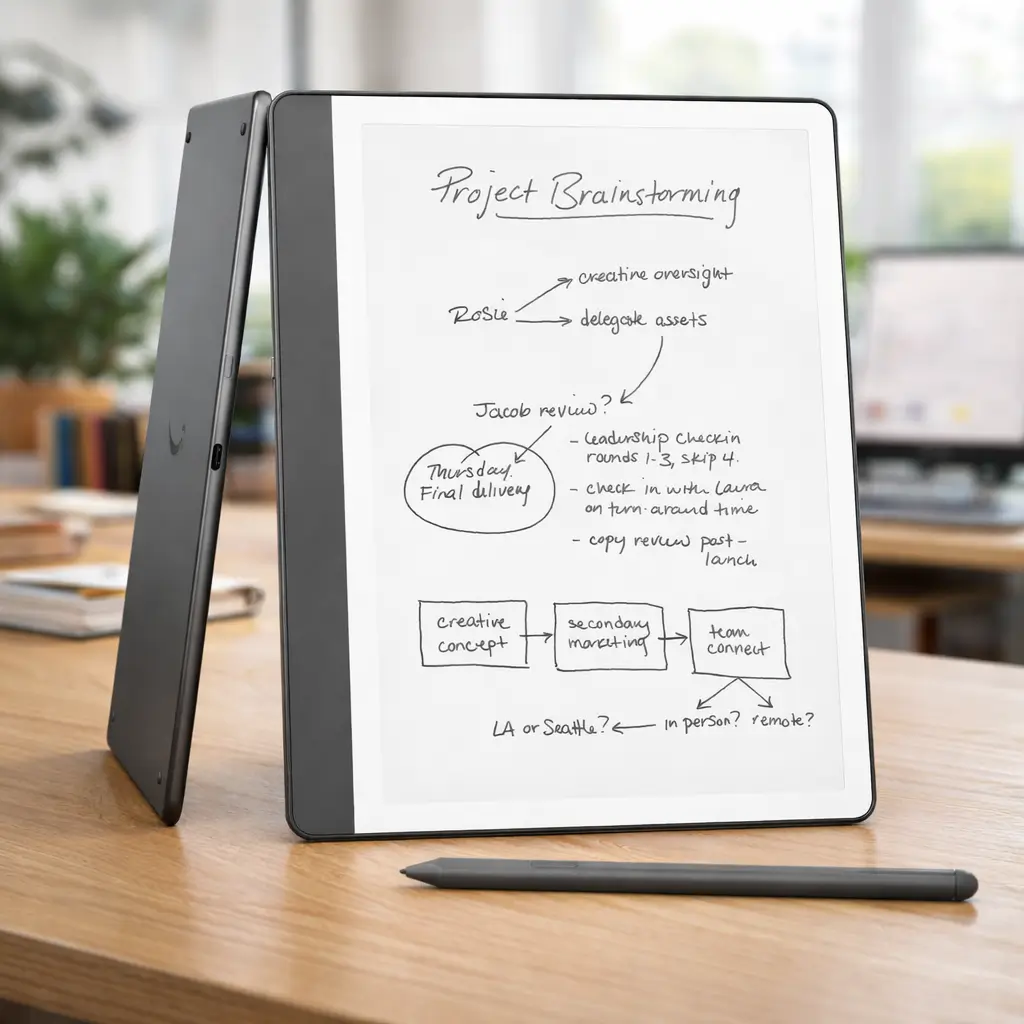
What it does well: The 10.2-inch screen handles both novels and textbooks comfortably. The stylus writes directly on pages—highlight a passage, tap the margin, write your note. Those notes sync to the Kindle app on your laptop, which matters when you’re writing papers at 2am.
Battery lasts an entire semester with normal use (2-3 hours daily reading). I charged mine four times fall semester.
For daily campus use, a good case and screen protector make a big difference—especially for note-taking devices (see our guide to essential e-reader accessories).
The limitations: PDFs with complex layouts (multi-column textbooks, dense diagrams) require zooming and panning. Doable, but not ideal. You’re also locked to Amazon’s ecosystem—library books require converting through calibre or using Send to Kindle.
Note export is PDF-only. If you want text you can paste into a Word document, you’ll need to OCR it separately.
Buy this if: You read mostly Kindle books, need occasional handwritten notes, and want something that just works without configuration.
View on AmazonKobo Elipsa 2E
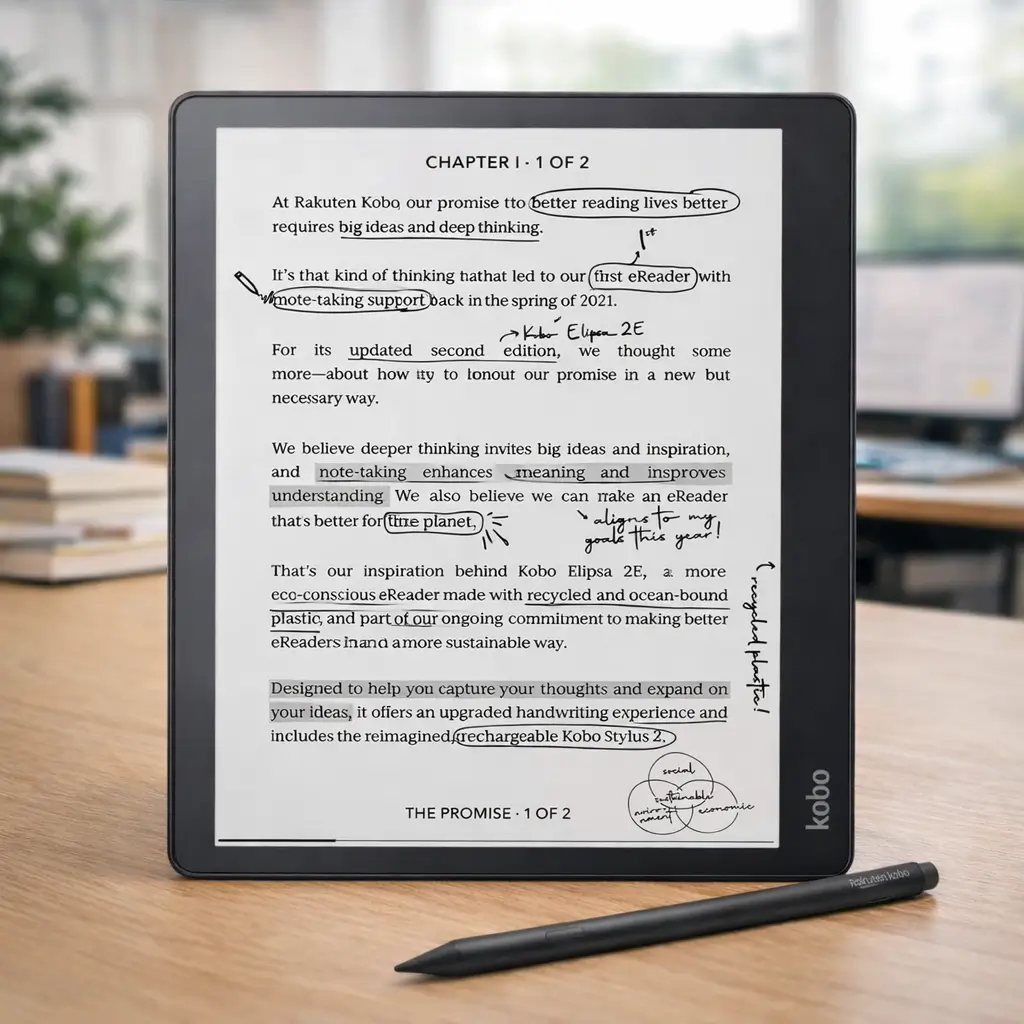
What makes it different: It reads anything—EPUB, PDF, MOBI, CBZ. Drop files from any source into the storage folder and they appear in your library. No conversion needed.
OverDrive is built in, so you can borrow library books directly from the device. This saved me $380 in textbook costs last year (I tracked it).
PDF annotation is more capable than Kindle’s. You can highlight, underline, strikethrough, add sticky notes, and write in margins. Export all annotations as a separate text file organized by book.
Where it falls short: Slightly heavier at 383g—noticeable during long reading sessions. The interface feels less polished than Kindle’s, with occasional lag when loading large PDFs (50MB+).
No auto-sync to cloud by default. You’ll need to manually connect via USB or set up Dropbox sync.
Buy this if: You use multiple ebook sources, rely on library borrowing, or need serious PDF annotation tools.
View on AmazonKobo Sage
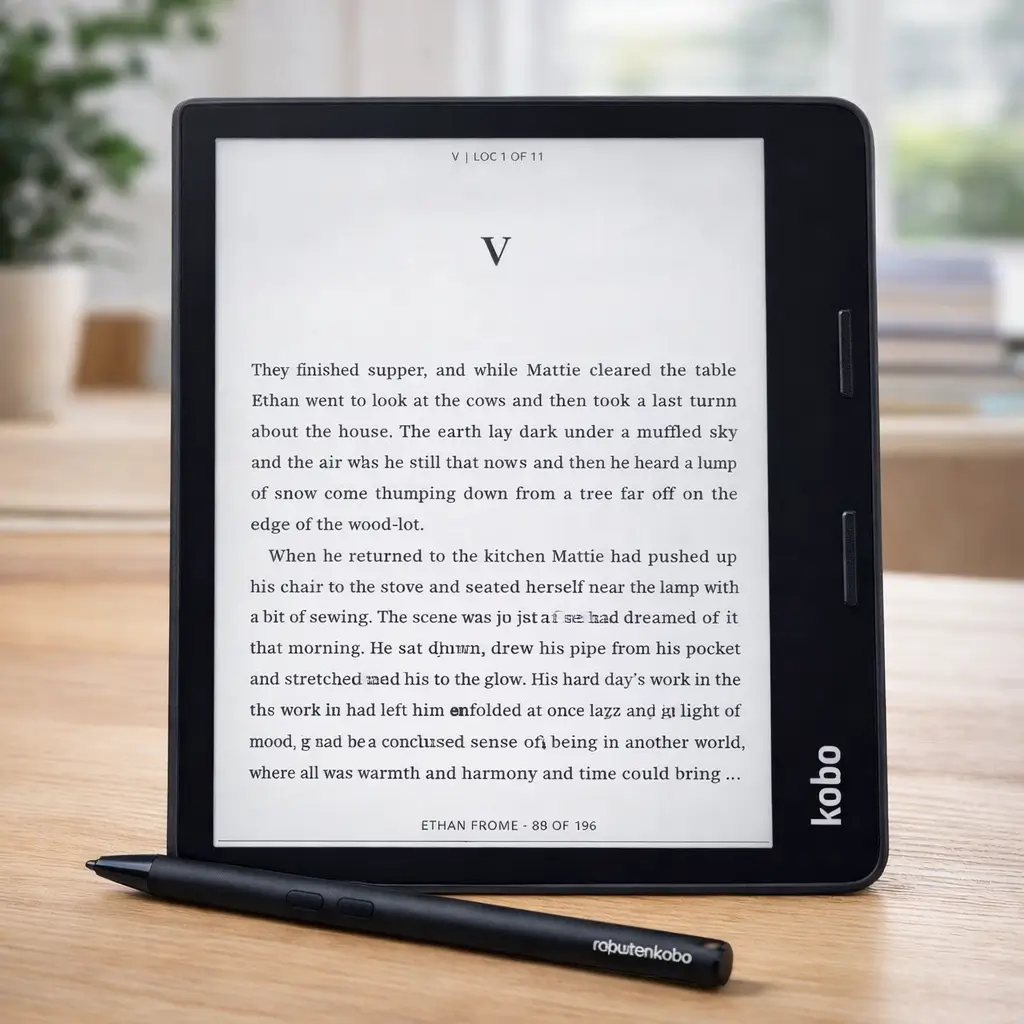
Why it’s compelling: It’s built for serious reading and focused study without the complexity of Android. The 8″ E-Ink display is sharper than standard e-readers and large enough for textbooks while staying portable.
Supports stylus note-taking (Kobo Stylus sold separately). You can write directly on books and PDFs, highlight passages, and create notebooks for class notes—simple, clean, and distraction-free.
Physical page-turn buttons are a big win for long study sessions. Less screen touching, more comfortable reading—especially when holding it one-handed.
Excellent library integration with OverDrive. Borrow textbooks and academic reads directly from public libraries without a computer.
The tradeoffs: Smaller than 10.3″ devices, so dense PDFs may require zooming. Not ideal for A4-style textbooks.
Note-taking is functional but not advanced—no split-screen reading + notes like BOOX, and fewer pen tools.
Battery life is good but not class-leading, especially if you use Wi-Fi and note-taking often.
Buy this if: You’re an undergraduate or reader-first student who wants premium reading, light annotation, library access, and zero distractions—without paying for a full e-ink tablet.
View on AmazonKindle Paperwhite
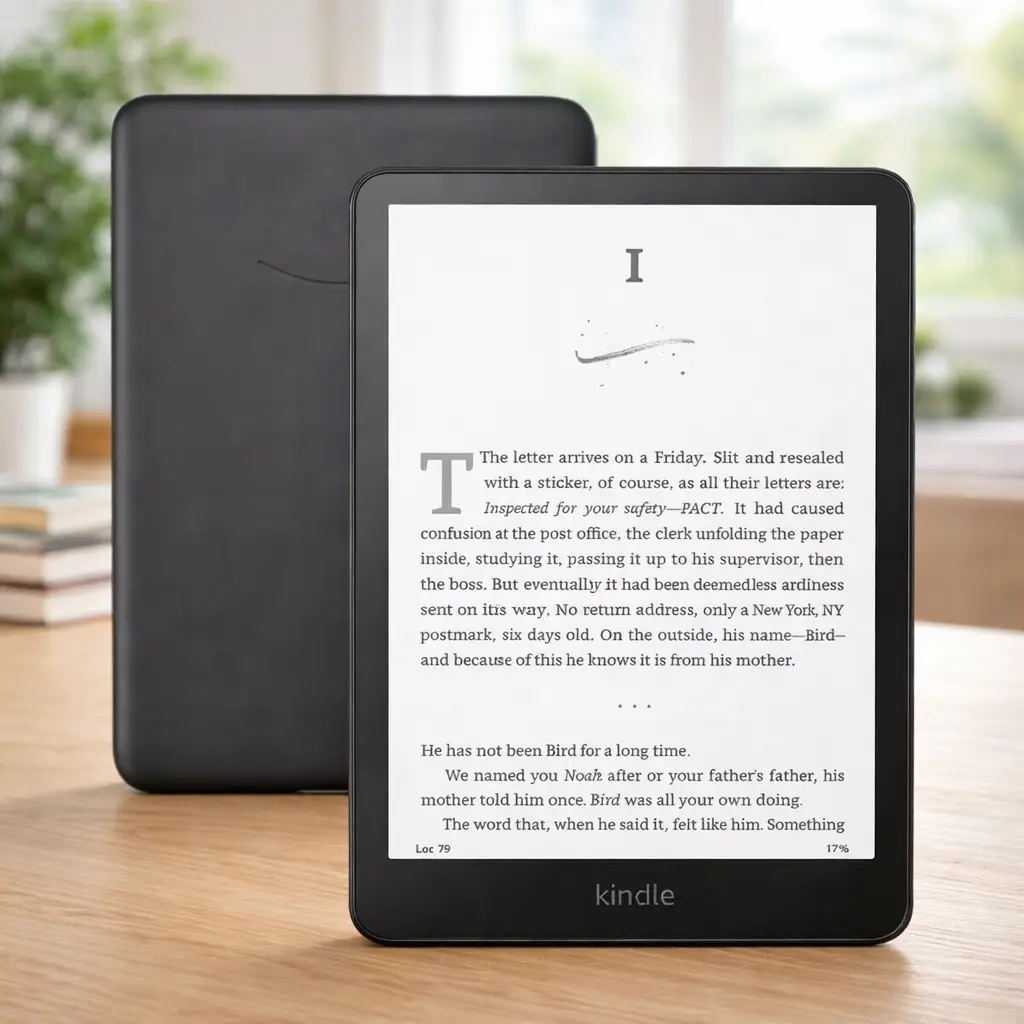
What you get: 6.8-inch screen, excellent for novels and straightforward textbooks. Weighs 205g—lightest option here. Battery lasts 10 weeks.
The warm light feature matters more than you’d think. Reading before bed without blue light helps with sleep, which helps with everything else during finals.
If price is your biggest concern, the Paperwhite is one of several budget-friendly e-readers that handle most student reading tasks without unnecessary features.
What you don’t get: No stylus support. Highlights and typed notes only—adequate for literature courses, limiting for anything requiring diagrams or equation work.
PDFs are readable but cramped. You’ll zoom constantly on technical materials. Fine for the occasional reading, frustrating as your primary PDF reader.
Buy this if: You’re reading mostly novels or text-based materials, and $159.99 fits your budget better than Price not available+.
View on AmazonReal Student Scenarios
Literature/Humanities major: Kindle Paperwhite handles your reading list efficiently. Spend the $200+ you save on actual textbooks you need to own.
Many students pair it with the Kindle Unlimited 3-month deal to reduce the cost of required and supplemental reading.
STEM undergraduate: Kobo Elipsa 2E or Kindle Scribe 2. Your textbooks have diagrams, equations, and reference tables that need the 10.3-inch screen and annotation tools. Choose Elipsa 2E for library integration and open formats, or Scribe 2 for seamless Amazon ecosystem.
Law/Medical student: Kindle Scribe 2. You’re highlighting everything, writing extensive notes, and need the 10.2-inch screen to organize thousands of pages across multiple sources. The premium stylus experience makes hours of annotation comfortable.
Graduate researcher: Kobo Elipsa 2E. Allows you to write notes in margins, underline, circle and mark up reading material in a natural way Engadget. Excellent for managing research through OverDrive/Libby, annotating academic papers, and the open format support handles various file types without conversion hassles.
Mid-budget student needing notes: Kobo Sage. Get note-taking capabilities with the stylus at $100-150 less than the larger devices. The 8-inch screen is portable while still handling annotations effectively for lectures and lighter PDF work.
Budget-conscious any major: Kindle Paperwhite now, upgrade later if needed. It handles 80% of student reading tasks for 35% of the cost of note-taking devices.
What Actually Matters
When choosing the best e-readers for students, these factors make the real difference:
Screen size: Under 8 inches works for novels only. 10+ inches handles textbooks and PDFs without constant zooming.
Battery life: All these devices last weeks. The difference between 4 weeks and 12 weeks matters less than you think—you’re charging once a month versus three times a semester.
Note-taking: If you don’t handwrite notes, you don’t need a stylus device. Basic highlights and typed notes (available on all models) suffice for many students.
File flexibility: If you buy all books from one store, ecosystem lock-in doesn’t matter. If you use libraries, borrow from friends, or download research papers, open format support is essential.
Frequently Asked Questions
Do I need the stylus version?
Only if you regularly handwrite notes or annotate PDFs. Many students overestimate how much they’ll use handwriting. If you type notes in class, stick with a basic model.
Can these replace my laptop?
No. They’re reading and annotation tools. You’ll still need a laptop for writing papers, research, and coursework requiring actual computing.
What about eye strain?
No. They’re reading and annotation tools. You’ll still need a laptop for writing papers, research, and coursework requiring actual computing.
Library compatibility?
Kobo has built-in OverDrive. BOOX can install the Libby app. Kindle requires using Send to Kindle for library books. All work, but Kobo and BOOX are simpler.
Refurbished worth it?
Amazon’s certified refurbished Kindles come with full warranty and cost 15-20% less. I’ve bought two—both worked perfectly. Kobo and BOOX refurbs are harder to find but also reliable when available.
What to Buy
After comparing the best e-readers for students across different use cases and budgets:
Most students: Kindle Paperwhite at $139-169 balances portability, battery life, and reading performance without unnecessary complexity. Handles the majority of student reading tasks efficiently.
Need note-taking on a budget: Kobo Sage at $260-300 adds stylus support and annotation capabilities without jumping to premium pricing. Great for students who need occasional PDF markup and margin notes.
PDF-heavy coursework: Kobo Elipsa 2E at ~$350-400 for better annotation on a larger 10.3-inch screen with natural margin notes, underlining, and markup that mimics what you’d do with a physical book Engadget. Excellent library integration and file flexibility.
Serious note-takers: Kindle Scribe 2 at ~$339+ balances the large 10.2-inch screen with premium note-taking features and 12-week battery life. Best for students who annotate heavily and prefer the Amazon ecosystem.
Skip devices not listed here. The market has dozens of e-readers, but these four consistently perform in real student use. Every other device either costs more for the same features, offers worse battery life, or has reliability issues based on user reports.
The right choice depends on your specific major, reading volume, and budget—not marketing claims about features you won’t use.