
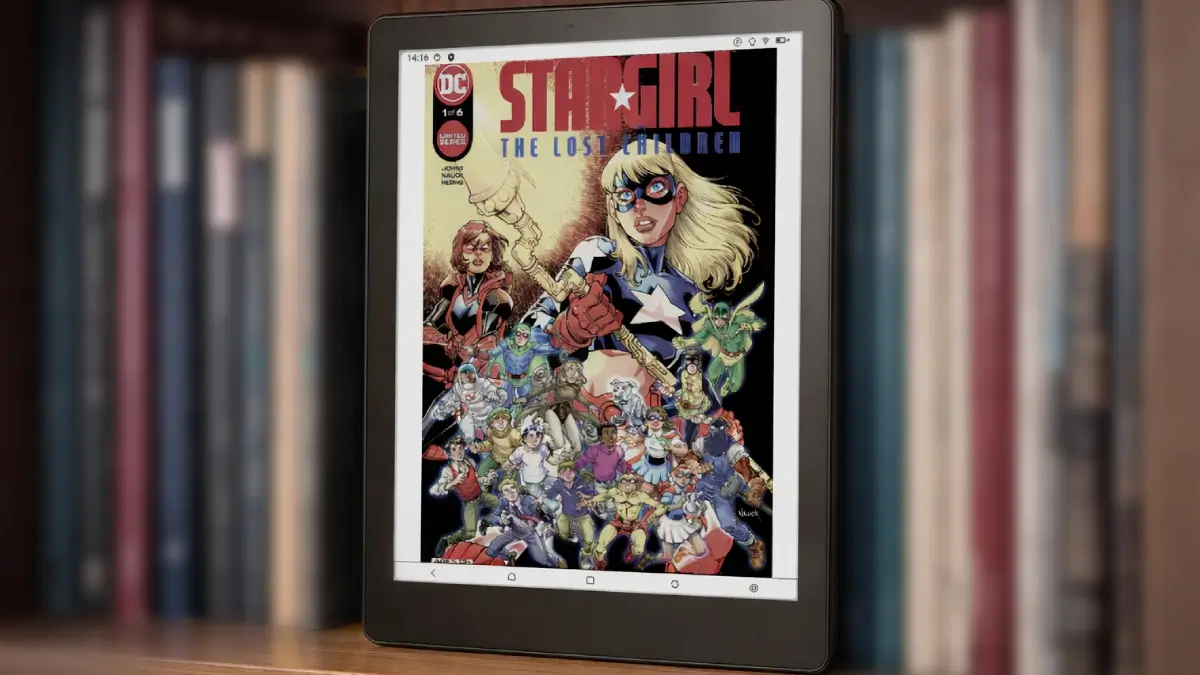
Color e-ink has been slowly gaining ground, and the Meebook M8C is one of the more accessible entries in that space. At around $276–$350 USD depending on where you buy it, it sits below most premium color e-readers while still offering a solid feature set — including Android 14, a Wacom stylus, and expandable storage up to 1TB.
It launched alongside the monochrome Meebook M8, but the M8C is the color variant — and that distinction matters depending on what you plan to read.
The Kaleido 3 Display: What Color E-Ink Actually Looks Like
The M8C uses a 7.8-inch E Ink Kaleido 3 panel — the same color e-ink technology found in several other mid-range devices. In monochrome mode, you get a sharp 300 PPI resolution. Switch to color mode and that drops to 150 PPI, which is a known trade-off with current Kaleido technology.
In practice, the color mode is best suited to comics, manga, illustrated books, and color-coded documents. It’s not going to look like a tablet display — colors are softer and more muted by design — but for reading material that relies on color to convey information, it’s meaningfully better than a monochrome screen.
For plain text reading, monochrome mode is noticeably sharper. One thing worth flagging: the display can appear slightly darker than a standard black-and-white e-ink screen, so you’ll likely use the frontlight more often. The good news is the frontlight is well-implemented, with adjustable warm and cool tones for different lighting environments.
Color settings — including vividness, brightness, and depth — are all adjustable, and the built-in gravity sensor handles automatic screen rotation between portrait and landscape without any fuss.
Performance and Storage
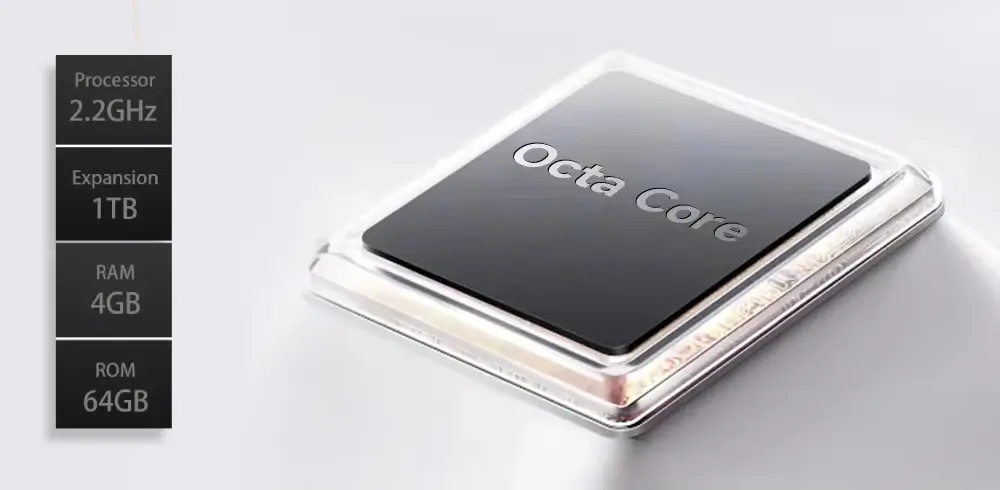
The M8C runs a 2.2GHz octa-core processor with 4GB of RAM and 64GB of internal storage. That’s the same hardware configuration as the M8, and it handles everything the device is designed for — app loading, PDF rendering, page turns — without any noticeable lag.
The microSD slot supports cards up to 1TB, which is a practical advantage for anyone building a large local library of comics or graphic novels. Streaming or cloud-only setups work fine too, but having that local storage option is genuinely useful.
Battery capacity is 3,200mAh. With regular reading use and the frontlight on, expect a week or more between charges. Standby estimates are higher, but daily active use will land somewhere in between.
Note-Taking and the Wacom Stylus
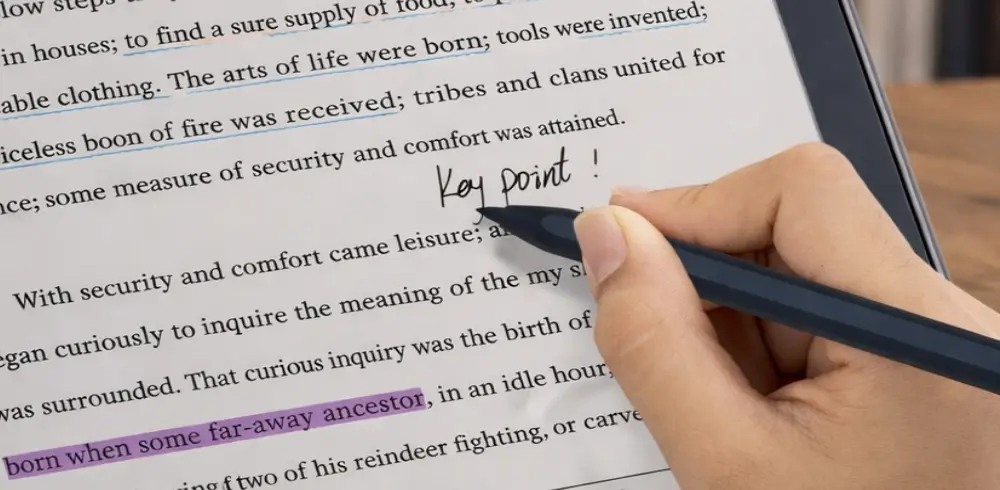
Unlike the M8, the M8C ships with a Wacom EMR stylus — a meaningful difference. Wacom’s electromagnetic resonance technology means the pen doesn’t require charging, and the 4,096 levels of pressure sensitivity give you genuine control over line weight and annotation.
It’s capable enough for PDF annotation, margin notes, and basic sketching. Some users find the writing surface a bit slippery compared to more paper-textured devices, and it won’t match the feel of a dedicated digital notebook — but for a reading-first device with note-taking on the side, it holds up well.
Android 14 and App Flexibility
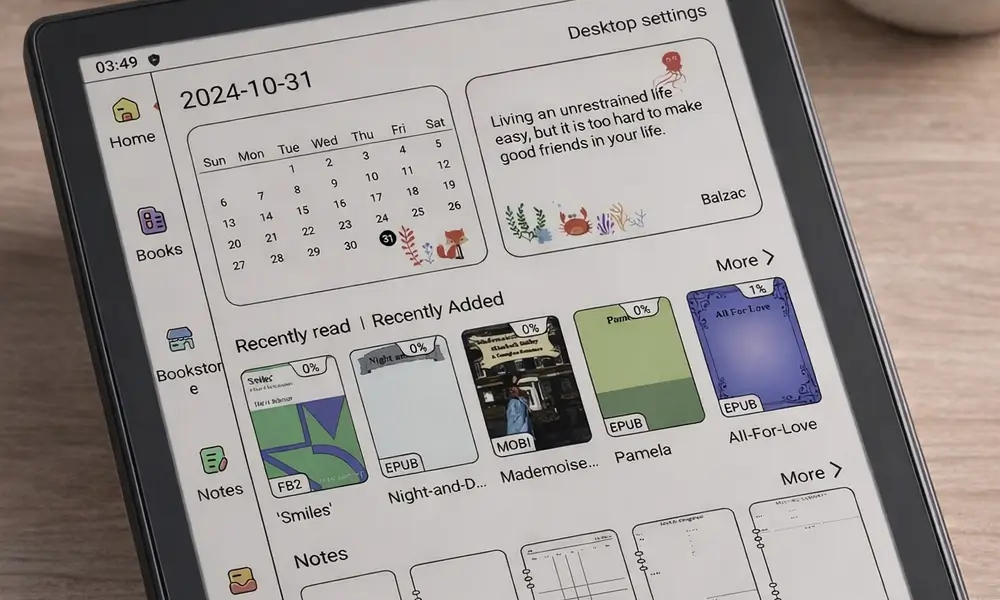
Running Android 14 with Google Play access means you’re not tied to any single reading ecosystem. Kindle, Kobo, Libby, Moon+ Reader, and most other Android reading apps install and run without issues. That kind of flexibility is one of the main reasons to choose an Android-based e-reader over a closed platform like Kindle.
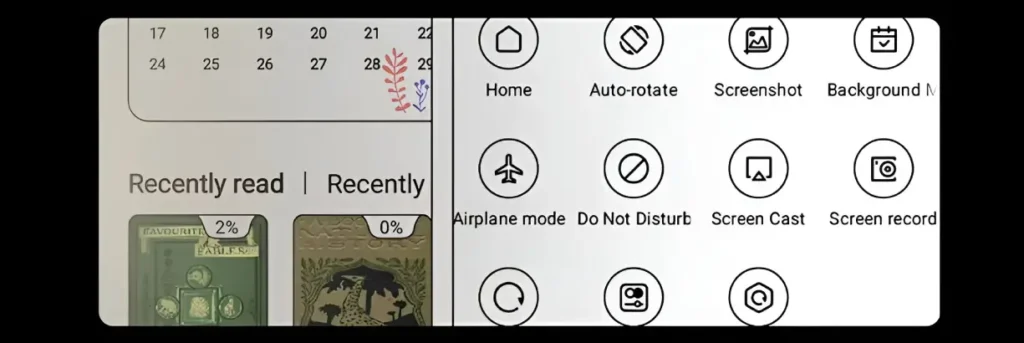
The built-in software includes multiple refresh modes you can switch based on what you’re doing — useful for balancing screen responsiveness against image quality. The UI itself is functional but not the most polished, and some menu translations feel rough around the edges. It’s not a dealbreaker, but it’s worth knowing going in.
Connectivity and Build
Connectivity covers Wi-Fi 6, Bluetooth 5.2, and USB-C with OTG support. Wireless performance is fast, and Bluetooth pairing for headphones or keyboards is reliable. The dual speakers and dual microphones add audiobook and voice note functionality, though the speakers are more practical than impressive.
The device measures 193 × 140 × 7mm and weighs around 300 grams — slightly heavier than the monochrome M8, but still comfortable to hold for extended sessions. It’s not waterproof, which is worth noting if that matters to your use case.
- Dual speakers for audio playback
- Dual microphones for voice input and compatible apps
- Gravity sensor for automatic screen rotation
- USB-C port with OTG support for charging, data transfer, and accessories
Price and Availability
The M8C launched in China at 1,999 yuan (roughly $276 USD). International pricing on Amazon and other retailers typically runs $300–$350 USD. It’s available now, with the Wacom stylus included in the standard package — a notable advantage over some competitors where the stylus is an extra purchase.
Final Verdict
The Meebook M8C is a reasonable choice for anyone who wants color e-ink without paying flagship prices. Its strongest use cases are manga, comics, illustrated content, and annotated documents — anywhere color adds real value to what you’re reading.
The Android 14 base and Google Play support make it more flexible than most closed-ecosystem e-readers, and the included Wacom stylus is a genuine plus at this price point. The trade-offs are a slightly darker monochrome display, some UI roughness, no waterproofing, and touch responsiveness that can be inconsistent.
If you’re weighing it against a standard black-and-white device and mainly read novels or plain text, the color screen likely isn’t worth the premium. But if your reading diet includes a lot of visual content — or you’ve been looking at e-readers built for manga and comics — the M8C is worth a serious look.