

We independently review all recommendations. Purchases made through our links may earn us an affiliate commission. Here’s how it works.
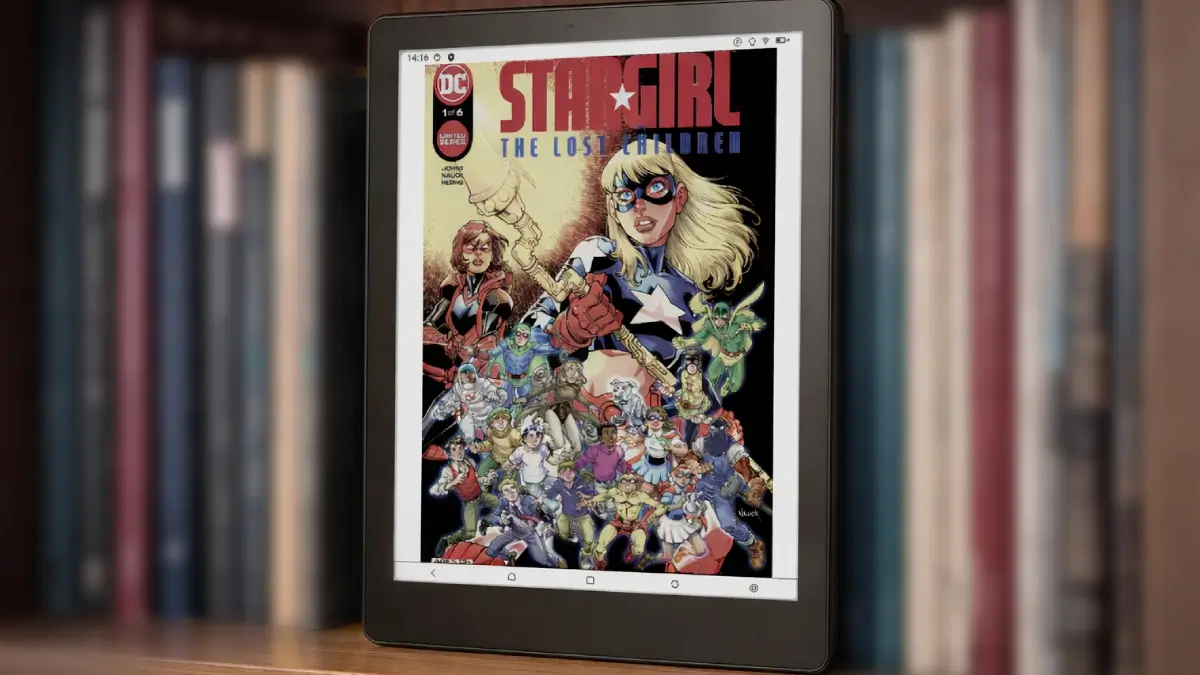
Color e-ink no longer means paying flagship money, and the Meebook M8C is one of the reasons why. It is the color version of the monochrome Meebook M8, with the same chassis, the same processor, and the same storage. Two things actually change, and both of them matter.
This review covers what those changes get you and whether they justify the price gap. For the full rundown of the hardware both models share, the M8 review has it.
How we research: manufacturer specs, owner reports from Reddit and MobileRead, and independent video reviews. We don't claim hands-on testing unless stated. Our method
What Actually Changes Versus the M8
- The screen. Kaleido 3 color at 150 PPI, or 300 PPI in monochrome mode. The M8 is monochrome only, always at 300 PPI.
- The pen. The M8C includes a Wacom electromagnetic stylus that never needs charging. The M8 pen is sold separately, uses an active digitizer, and recharges over USB-C.
- Weight. Around 300 grams against the M8 at 265, which you notice after an hour but not before.
- Price. The color panel and the bundled pen both push the M8C above the M8.
Everything else is identical: the 2.2GHz octa-core chip, 4GB of RAM, 64GB of storage with microSD expansion, Android 14 with Google Play, Wi-Fi 6, Bluetooth 5.2, and the dual speakers and microphones.
The Kaleido 3 Screen, and What Color Costs You
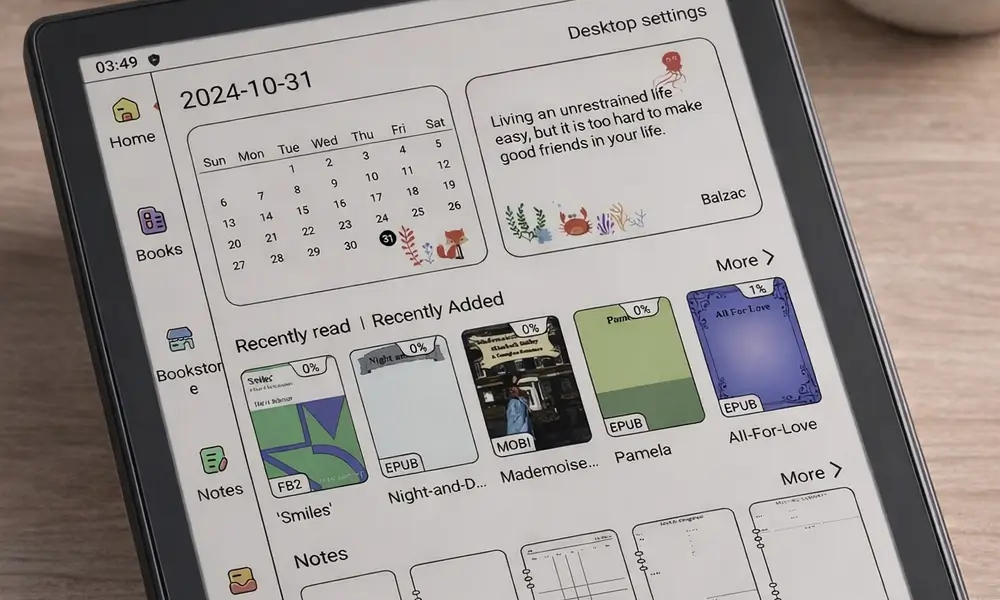
The M8C uses a 7.8-inch E Ink Kaleido 3 panel. Color content renders at 150 PPI, and plain text still gets the full 300 PPI in monochrome mode. That split is the whole story of Kaleido: you are not trading text sharpness for color, you are adding a color layer that sits over it.
What that layer costs is brightness. The screen reads slightly darker than a straight black-and-white panel, so you will reach for the frontlight earlier in the evening than you would on the M8. The frontlight itself is good, with warm and cool tones you can mix, so this is an annoyance rather than a problem.
Do not expect tablet colors. Kaleido is muted by design, closer to newsprint than to a phone screen. For manga, comics, illustrated books, and anything color-coded, that is plenty. For novels, you would not miss it.
The Stylus Is the Other Real Difference
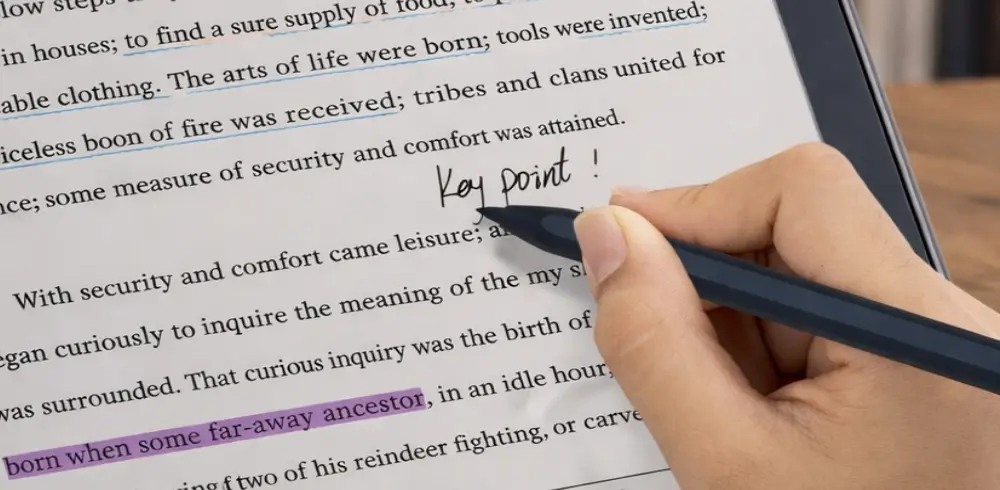
This one gets overlooked, and it should not. The M8C ships with a Wacom electromagnetic pen in the box. Because it draws power from the screen rather than a battery, it never needs charging, and it reports 4,096 levels of pressure along with tilt. There is an eraser on the back and spare nibs included.
The M8 works differently. Its pen is an optional purchase, uses an active digitizer, and has to be recharged over USB-C. If you plan to annotate at all, that difference is worth more than the color panel.
Writing feel is the weak point. The glass is slippery compared with the textured surfaces on dedicated note-taking devices, so it is fine for margin notes and PDF markup, and less pleasant for long handwriting sessions.
Where the M8C Frustrates
Touch response is the complaint that comes up most among owners. Taps that do not register, or register as something else, show up repeatedly in reviews of this model. It is not constant, but it is frequent enough that people mention it unprompted.
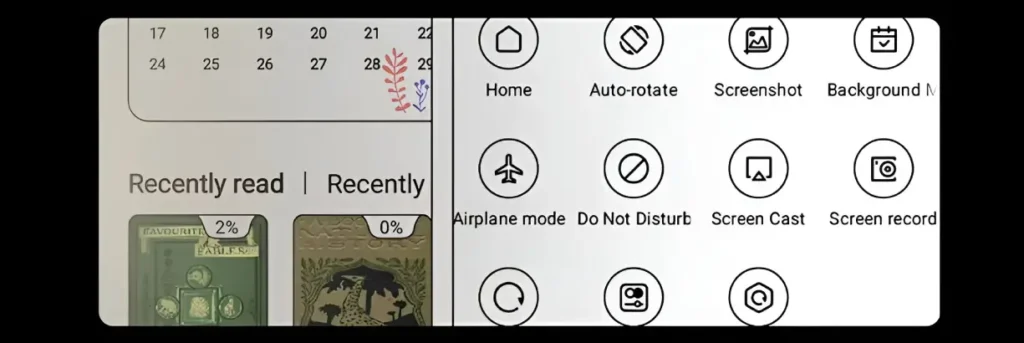
The software is the other rough edge. Android 14 with Google Play is genuinely useful, and Kindle, Kobo, Libby and the rest all install and run. Meebook’s own layer on top is functional but unpolished, and some menu translations read like they went through a machine. There is also no waterproofing, so this is not a bath or poolside device.
Support is worth factoring in too. Meebook is a small operation, and buyers report slow or difficult contact when something goes wrong.
Price and Availability
The M8C launched in China at 1,999 yuan, roughly $276. Western pricing is inconsistent: listings have run anywhere from about $300 to well over $400 depending on the seller and whether you are buying through an import channel. Check a couple of sources before committing, because the spread on this device is unusually wide.
The stylus is included at every price point, which is not true of the M8 and is worth folding into the comparison.
Availability update (October 2026): Amazon US currently lists the Meebook M8C as unavailable. If you want a 7.8-inch color E Ink reader you can buy today, the PocketBook InkPad Color 3 has the same size color screen, adds IPX8 waterproofing and audiobook support, and is in stock at $345.00. It has no stylus and doesn’t run Android apps, so it suits readers more than note-takers.
- Manga and comics are most of your reading, the 7.8 inch panel suits the format
- You want color but also want the option to switch the filter off for plain text
- You want a stylus included rather than sold separately
- Reliable touch matters, unregistered taps are the most repeated owner complaint
- You mostly read plain text, the color filter makes the screen darker
- You need polished English software or responsive customer support
- Prices vary a lot by seller, check carefully before buying outside import channels
Is Color Worth the Extra?
Editor’s Score
6.5 / 10 — worth the upgrade only if you specifically need color for manga, comics, or color-coded documents; skip it if you mostly read novels.
If most of what you read is novels, no. Buy the M8, keep the sharper monochrome panel and the lighter body, and put the difference toward books.
If you read manga or comics, or you work with color-coded documents, the answer changes. Color stops being decoration and starts carrying information, and the M8C is one of the cheaper ways to get a 7.8-inch Kaleido panel with a Wacom pen already in the box.
The caveats are real. Touch can be inconsistent, the software is rough in places, and there is no waterproofing. None of that is disqualifying at this price, but it does mean the M8C rewards a buyer who knows exactly why they want color, rather than someone hoping it will improve everything.
If you are weighing the major brands before considering an alternative like this, our Kindle vs Kobo vs Boox comparison is a good starting point.