

We independently review all recommendations. Purchases made through our links may earn us an affiliate commission. Here’s how it works.
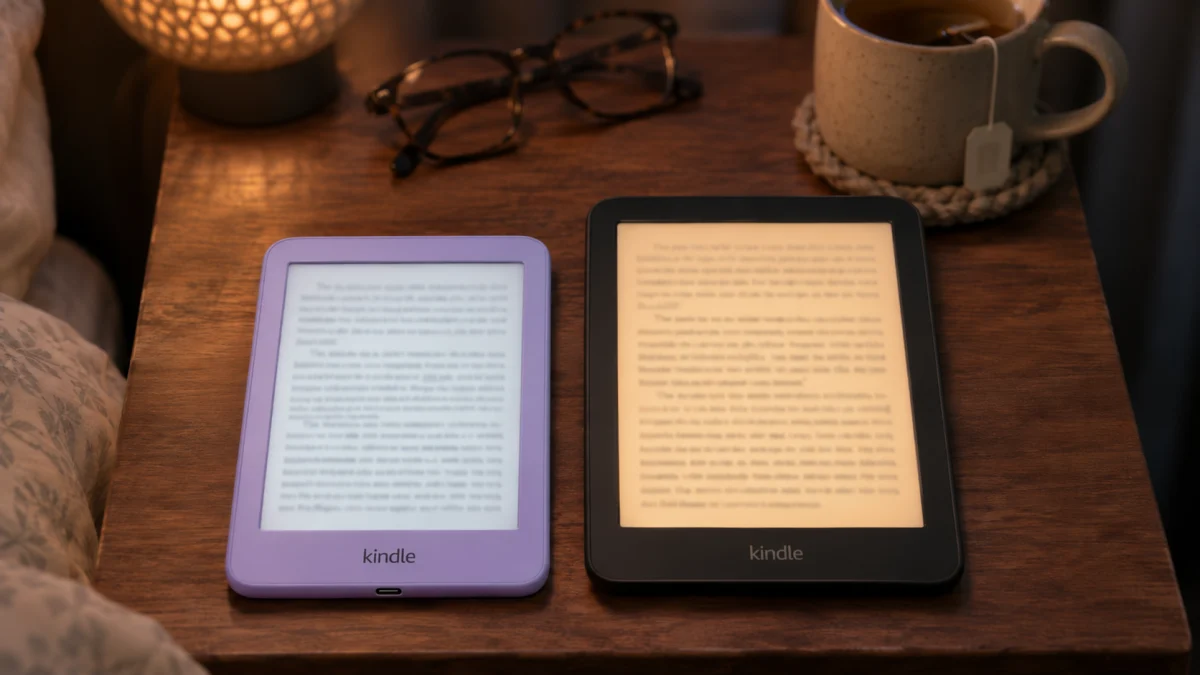
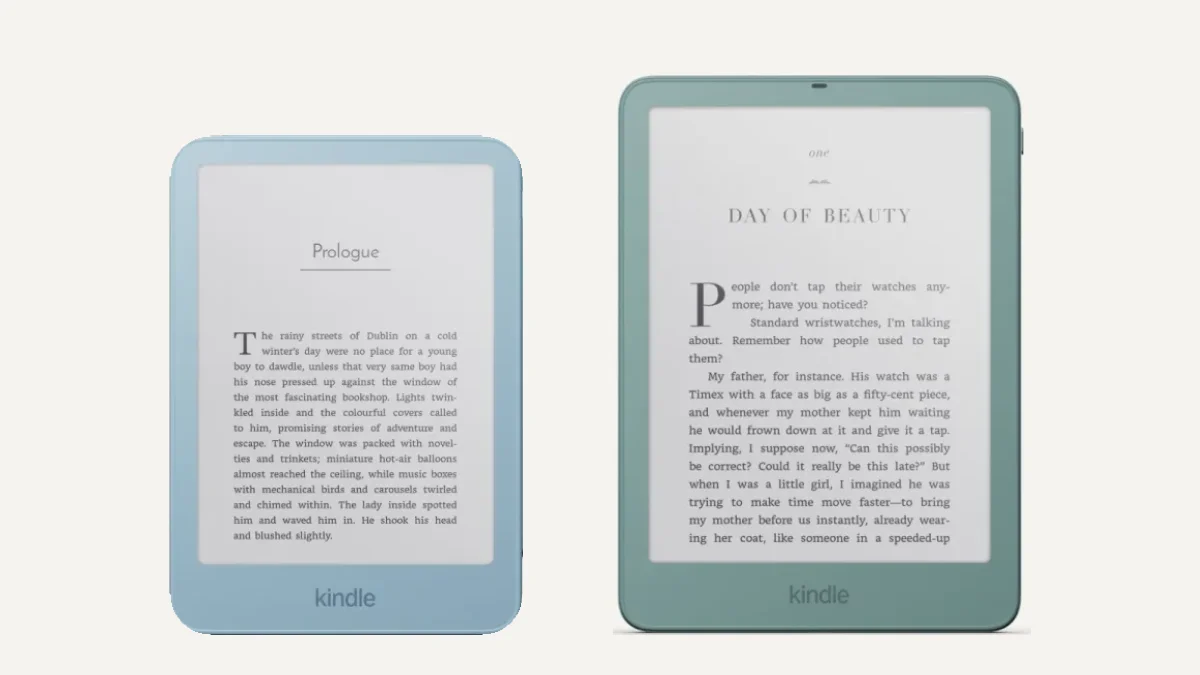
The 2026 Kindle and Kindle Paperwhite share the same store, storage and replaceable battery, so Kindle vs Kindle Paperwhite comes down to four things: screen size, warm light, waterproofing and battery life.
Get the Paperwhite if you read in bed, in the bath or for hours at a time. Get the basic Kindle if you want the smallest, cheapest Kindle and mostly read on the go.
Choose the Kindle
if you want small and cheap
- You read on your commute or in short sessions
- You want the most pocketable Kindle
- You don’t read in the bath or by the pool
Our pick
Kindle (2026)
Choose the Paperwhite
if you read every day
- You read in bed and want a warm light at night
- You read in the bath, by the pool or at the beach
- You read with a large font or for hours at a time
Our pick
Kindle Paperwhite (2026)
How we compared We haven’t tested either Kindle ourselves. This comparison uses Amazon’s own announcements and listings, plus what owners report on the MobileRead forums. Every source is listed at the end.
Side by side
Kindle vs Kindle Paperwhite at a glance
| Feature | Kindle | Kindle Paperwhite |
|---|---|---|
| Price on Amazon | $149.99 with ads, $169.99 without Cheaper | $199.99 with ads, $219.99 without |
| Screen | 6-inch | 7-inch, the highest contrast of any Kindle Bigger |
| Warm light | No, brightness only | Yes Warm light |
| Waterproof | Not listed | Yes Waterproof |
| Battery (Amazon’s rating) | Up to 6 weeks | Up to 12 weeks Longer |
| Storage | 16GB (32GB on the Kindle Aluminum) | 16GB (32GB on the Signature Edition) |
| Replaceable battery | Yes, the back panel opens | Yes, the back panel opens |
| Speed | Books open 30% faster than the last Kindle | Fast page turns, per Amazon |
| Weight and resolution | Not published yet | Not published yet |
| Colors | Ube, Graphite | Graphite |
| Lockscreen ads | Yes, unless you pay to remove them | Yes, unless you pay to remove them |
Kindle wins on price and pocket size
Paperwhite wins on screen, warm light, waterproofing and battery
The upgrade
The 4 differences you’ll notice
Both are 2026 models with 16GB of storage, a glare-free screen and the same Kindle software. Amazon names the cheapest one just “Kindle”, which is why most people call it the basic Kindle. These are the differences you’ll notice every day.
Screen: 6 inches vs 7 inches
The Paperwhite’s 7-inch screen fits more words on each page, so you turn pages less often. That matters most if you read with a large font. Amazon says the new Paperwhite also has the highest contrast ratio of any Kindle, from a new oxide thin-film transistor display.
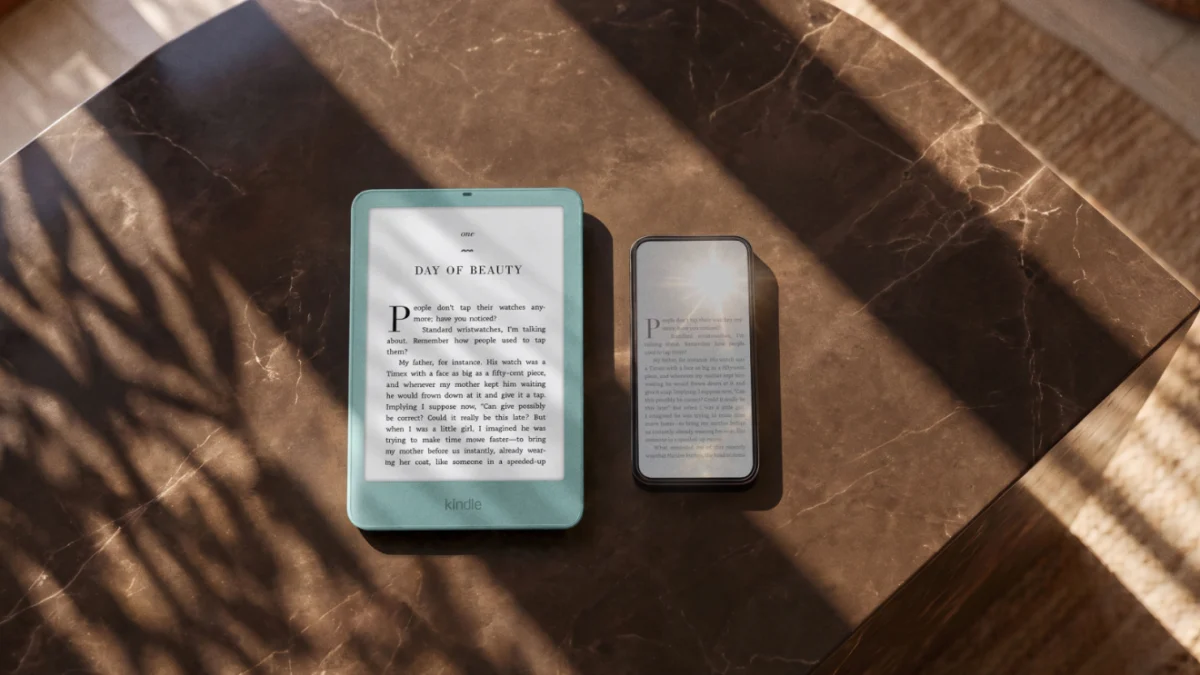
The basic Kindle’s 6-inch screen is what makes it small: Amazon calls it the most pocket-sized Kindle it has made. Both screens are glare-free, so they stay readable in bright sunlight. Amazon hasn’t published the weight or screen resolution of either 2026 model yet.
Warm light
The Paperwhite’s front light can shift to a warmer, amber tone for reading at night. Amazon lists adjustable brightness for the basic Kindle, but not a warm light. If you read in bed with the lights off, this is the upgrade you’ll notice every night.
Waterproofing
Amazon calls the Paperwhite waterproof and pitches it for the pool and the bath. It doesn’t list waterproofing for the basic Kindle, so keep that one away from water, or use a waterproof pouch. Our waterproof e-readers guide covers both options.
Battery
Amazon rates the Paperwhite at up to 12 weeks on a charge and the basic Kindle at up to 6 weeks. Both screens only use power when you turn a page or use the light, so how you read changes the numbers a lot.
The only owner report so far shows how much. In a MobileRead thread from November 6, an owner of the new basic Kindle reported losing 6 to 10% of the battery a day. They read about 30 minutes daily with the light turned up fairly high. That works out to roughly two weeks per charge, far short of Amazon’s rating. It’s one owner, but expect less than the rating if you keep the light bright.
Both batteries can be replaced: the back panel opens for a quick swap, according to Amazon. If a Kindle stops charging, our Kindle not charging guide goes through the fixes in order.
Verdict: the Paperwhite if you read at night, near water or for long sessions; the basic Kindle if none of those apply to you.
Kindle Aluminum
Kindle Aluminum vs Paperwhite
The Kindle Aluminum is the basic Kindle with a matte aluminum back made from 80% recycled aluminum, 32GB of storage and no lockscreen ads. It costs $189.99, while the Paperwhite costs $199.99 with ads and $219.99 without. As of November 10, that makes the Aluminum cheaper than either Paperwhite.
The catch is that it keeps the basic Kindle’s screen, light and battery. You’re paying for the metal back, the extra storage and no ads, not for a better reading experience.
Kindle AluminumVSKindle Paperwhite
| 6-inch | Screen | 7-inch |
| Not listed | Warm light | Yes |
| Not listed | Waterproof | Yes |
| Up to 6 weeks | Battery | Up to 12 weeks |
| 32GB | Storage | 16GB |
| Aluminum | Back | Aluminum on the Signature Edition only |
| None | Lockscreen ads | Yes, unless you pay more |
Verdict: the Paperwhite for almost everyone, since the warm light, waterproofing and longer battery matter more day to day than a metal back. Get the Aluminum if you want the smallest premium Kindle with no ads, or more room for audiobooks and comics.
Same on both
What you get on both
- The same store and Kindle+. Amazon renamed Kindle Unlimited to Kindle+ in October 2026. It costs $11.99 a month in the U.S. and lets you borrow up to 20 books at a time. Our Kindle+ deals page tracks trial offers.
- Library books. In the U.S., you can borrow library ebooks through Libby and send them to either Kindle.
- Your own files. EPUB, PDF and Word files go through Amazon’s Send to Kindle service, which converts them for you.
- Audible. Both play Audible audiobooks through Bluetooth headphones or a speaker. New to Audible? See the current Audible deal.
- Reading extras. Story So Far gives a spoiler-free recap when you return to a book, and Amazon says Ask This Book is coming soon.
- Kindle Click. Amazon’s wireless page-turn remote ($34.99) works with all the new Kindles.
- No distractions. No notifications, email or social media on either one.
If library books or EPUB files matter most to you, a Kobo may suit you better than either Kindle. Our Kindle vs Kobo guide explains why, and Kindle Paperwhite vs Kobo Clara BW compares the closest rival.
Price
Ads, storage and the real price
The headline prices for both include lockscreen ads, which Amazon shows when the Kindle is asleep. Removing them costs extra, so these are the real options, cheapest first:
- Kindle with ads: $149.99
- Kindle without ads: $169.99
- Kindle Aluminum (32GB, no ads): $189.99
- Paperwhite with ads: $199.99
- Paperwhite without ads: $219.99
- Paperwhite Signature Edition (32GB, no ads): $249.99
16GB is plenty for ebooks. Audiobooks and comics fill it much faster, which is the main reason to pay for 32GB.
Timing
Black Friday: buy now or wait?
Amazon’s Black Friday Week runs from 12:01 a.m. PT on November 19 to November 30, according to Amazon. Neither 2026 model has changed price in our tracker since we started following them on October 17, and because both are new this fall, there’s no past Black Friday price to go on.
If you’re buying before November 19, waiting a little over a week costs you nothing. Our Kindle deals page shows whether either one is actually discounted once the sale starts.
2024 models are still on sale. The 2024 Paperwhite ($199.99) has the same 7-inch size, waterproofing and 12-week battery rating. The 2026 model is thinner and lighter, and its battery can be replaced, so only pick the 2024 one on a real discount.
Step up
What about the Paperwhite Signature Edition?
The Signature Edition ($249.99) is the same 7-inch Paperwhite with extras: 32GB of storage, a front light that adjusts itself, an aluminum back, dock charging, double-tap page turns and no ads. It’s worth it if you want all of those. For most people, the regular Paperwhite without ads is the better value. Our Which Kindle to buy guide compares every model, including the Colorsoft and Scribe.
Verdict
Which should you buy?
- You read in bed at night: the Paperwhite, for the warm light.
- You read in the bath, by the pool or at the beach: the Paperwhite, since Amazon doesn’t list the basic Kindle as waterproof.
- You read with a large font or for hours at a time: the Paperwhite, for the bigger screen and the longer battery rating.
- You read on the go or in short sessions: the basic Kindle. It’s smaller and costs less.
- You want a premium feel in the smallest size: the Kindle Aluminum, but compare it with the Paperwhite first.
- You’re buying for a child: look at the Kids versions, which add a kid-friendly cover and Amazon Kids+. Our Kindle Kids deals page compares them.
Kindle (2026)
Why buy it
- The cheapest Kindle
- Small and pocket-sized
- Books open 30% faster than the last model
- A battery you can replace
Why not
- No warm light
- Not listed as waterproof
- Half the Paperwhite’s battery rating
- Lockscreen ads unless you pay more
Kindle Paperwhite (2026)
Why buy it
- 7-inch screen, the highest contrast of any Kindle
- Warm light for night reading
- Waterproof
- Up to 12 weeks of battery, and you can replace it
Why not
- Costs more than the basic Kindle
- Bigger, so less pocketable
- Lockscreen ads unless you pay more
- Only one color, Graphite
Still comparing? Our guide to the best e-readers of 2026 covers every brand, and our best cheap e-readers list covers readers for less.
FAQs
Is the Kindle Paperwhite worth it over the basic Kindle?
Is the basic Kindle waterproof?
Does the basic Kindle have a warm light?
What's the difference between the Kindle and the Kindle Aluminum?
Should I buy the 2024 Paperwhite instead?
When is Black Friday for Kindles in 2026?
Sources (15)
- Amazon: The new Kindle lineup (2026), Amazon’s Kindle buying guide, Kindle Unlimited is now Kindle+, When is Amazon Black Friday?, Send PDF, EPUB and other files to your Kindle, Bluetooth on Kindle e-readers
- Amazon listings: Kindle (2026), Kindle (2026) without ads, Kindle Aluminum, Kindle Paperwhite (2026), Kindle Paperwhite (2026) without ads, Paperwhite Signature Edition (2026), Kindle Click
- OverDrive: Kindle ereaders (U.S. libraries only)
- Owners (MobileRead): New Kindles